Services Mobile app development

Launch an Android and iOS app with the backend it needs.

Mobile app development covers your Android app, iOS app or 1 cross-platform app for both, plus the backend, admin panel and API the app runs on. The server, admin and payment work behind an app is the kind of work shown in IELTS Test BD and NextGen Mobile, 2 web apps designed for phone users. It suits businesses that need an app store listing, push notifications or phone features such as the camera and location.

Updated 27 October 2026

At a glance
What you getAn Android, iOS or cross-platform app, plus the backend, admin panel and API
PlatformsNative Android, native iOS, or 1 cross-platform codebase for both
Who it suitsBusinesses whose customers or staff return often, or need push notifications, offline use or device features
TimelineSet after scoping, based on the platforms, screens, integrations and store review
What you need to startThe main tasks users will do in the app, who those users are, and Google Play and Apple developer accounts before release
Published workWeb apps only: IELTS Test BD and NextGen Mobile. No mobile app case study is published yet.
What you get

Everything your app depends on.

Each project covers the app on the phone, the server behind it and the admin panel your staff use to run it.

Native Android and iOS apps

Separate apps written for each platform, for projects that depend on advanced device features, heavy graphics or each platform's own interface conventions. Each platform has its own codebase, so every change is built and tested twice.
Cross-platform apps

1 shared codebase that runs on Android and iOS, so new features and fixes reach both at the same time. It suits most business apps: accounts, catalogues, bookings, orders and dashboards.

Backend, API and admin panel

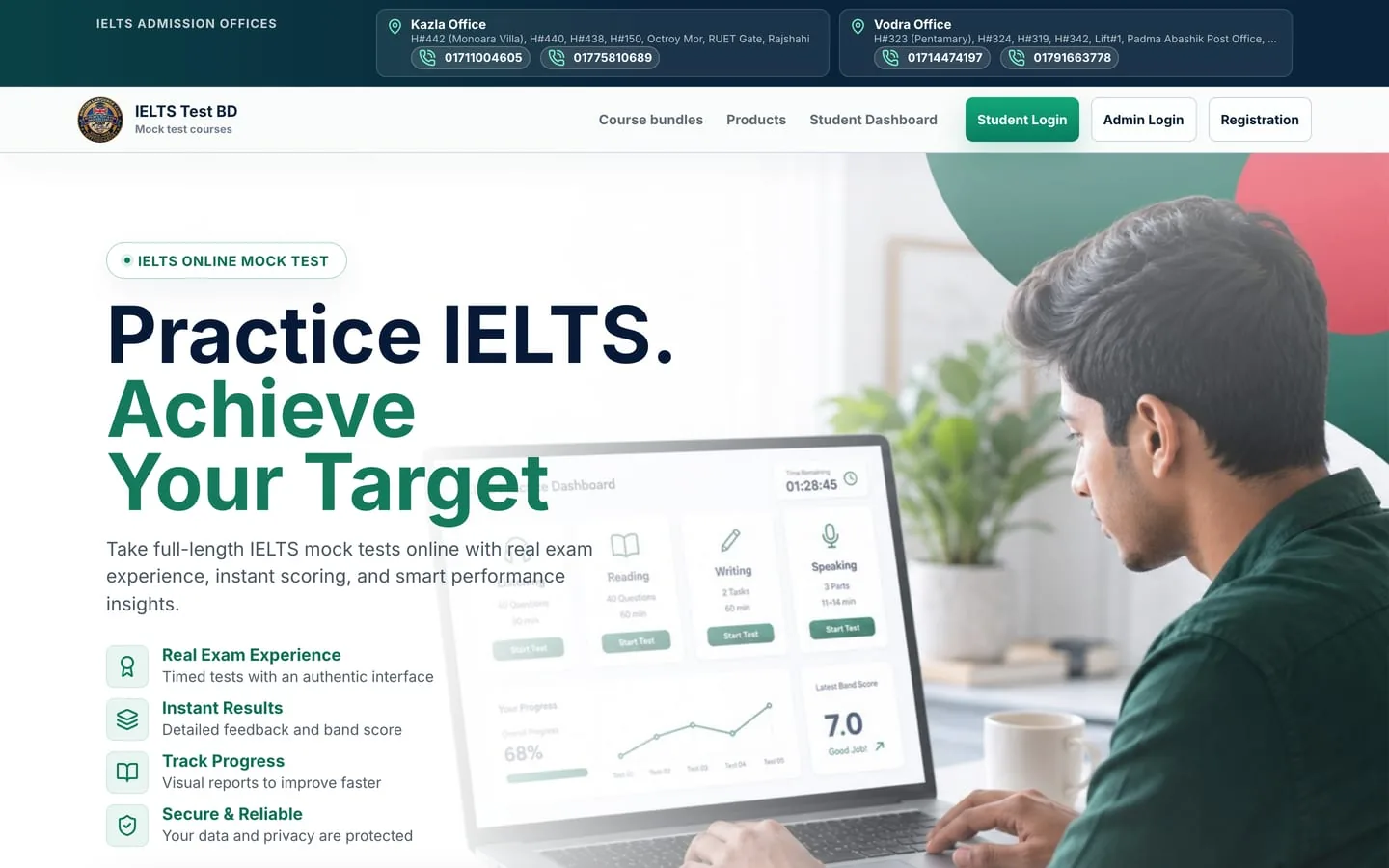
The server that stores users, orders and content, the API the app calls, and the admin panel where staff manage records. IELTS Test BD and NextGen Mobile show this layer in 2 published web apps.

Accounts and payments

Sign-in, user profiles and payments through a gateway, or a manual proof-and-approval flow where cards are uncommon. IELTS Test BD, a web app, accepts mobile transfer proof that an admin approves, with a card gateway ready alongside it.

Push notifications

Order updates, reminders and offers sent to the phone's notification screen, triggered by events in the backend. Users choose whether to allow them, so each message needs a clear purpose.

Store release and updates

Store listings, screenshots and privacy details are prepared, then the app is submitted to Google Play and the App Store under your developer accounts. Both stores review each release, including later updates.

Compare

Native, cross-platform or progressive web app.

3 ways to put your service on a phone, compared on what each can do, what it costs to build and how it is updated.

CompareNative appsCross-platform appProgressive web app (PWA)
What it isSeparate apps built for Android and iOS with each platform's own tools1 codebase that produces both an Android and an iOS appA website that can be added to the home screen and work offline
SuitsApps that rely on heavy graphics, advanced device features or platform-specific designMost business apps: accounts, orders, bookings, catalogues and dashboardsReaching users on any device quickly, without the app stores
Codebases to maintain21, with some platform-specific code where needed1, which can be shared with your website
App store listingYes, Google Play and the App StoreYes, Google Play and the App StoreNot required; installs from the browser
Device featuresFull access to each platform's featuresMost features through plugins; newer ones may need native codeLimited to what the browser supports, which is narrower on iPhone
Push notificationsYesYesYes on Android; on iPhone only after the user adds it to the home screen
PerformanceHighest, built for each platformClose to native for typical business appsGood for content, forms and ordering; weaker for heavy graphics
Build costHighest: 2 apps to build and testLower than native: 1 shared codebaseLowest of the 3: 1 build for every device
UpdatesReleased through each store's reviewReleased through both stores' reviewLive as soon as they are published, like a website

Choose native when the app depends on advanced device features, cross-platform for most business apps on both stores, and a PWA when reach and fast updates matter more than an app store listing.

Proof

Web apps that show the backend an app needs.

No mobile app case study is published yet. IELTS Test BD and NextGen Mobile are web apps designed for phone users, with the server logic, admin screens and payment flows that a mobile app also depends on.

How it works

6 steps, from call to store release.

Each app moves from a first call to a release on Google Play and the App Store in 6 steps.

01

Free 15-minute call

Describe what users should do in the app, who they are and which phones they carry.

02

Scope and platform choice

Rizer recommends native, cross-platform or a PWA with the reason in writing, then sends the quote.

03

UI/UX design

Each screen and user flow is designed for small screens and agreed with you before development starts.

04

App, backend and admin build

The app, the API and the admin panel are developed together, so every screen has the data it needs.

05

Testing on real devices

The app is tested on Android and iOS phones, on slow connections and with payments and notifications switched on.

06

Store release and updates

The app is submitted under your developer accounts, then updated as the stores and operating systems change.

Cost and time

What sets the cost.

Every app is quoted after the free 15-minute call, once the platforms and features are agreed. These 4 things set the cost and the timeline.

Platforms

1 cross-platform codebase costs less to build and maintain than 2 native apps. A PWA costs less again, but gives up the app store listing and some device features.

Screens and features

Each screen, user role and feature such as chat, maps, offline mode or notifications adds design, development and testing.

Backend and integrations

An app with accounts, payments, orders or bookings needs a server, an API and an admin panel. Each payment gateway or outside service adds integration and testing.

Release and upkeep

Store submissions, operating system updates and new screen sizes need attention after launch, so plan for regular updates from the start.

8+Years delivering
120+Projects delivered
50+Clients and teams
4.9Average rating
A client review.

"Rizer did SEO on my new travel agency site and we landed our first client within days. Clear reporting, kind communication, real results."

Benni Klein, Owner, Accessible Trip Brazil

More pages

Related services.

Website redesign and migration

A new website that keeps the rankings you already have.

Website maintenance

Fixes, updates, speed and security after launch.

Web design

A custom website that turns visitors into customers.

Ecommerce websites

An online store on Shopify, WooCommerce or custom code.

SEO

Technical SEO, content and on-page work that grows your rankings.

Mobile apps in Bangladesh

The same service for Bangladeshi businesses, with local payments and couriers.

Questions

Questions about Mobile apps.

How much does it cost to build a mobile app?

The cost depends on the platforms, the number of screens and features, and the backend the app needs, so Rizer quotes after a free 15-minute call. A cross-platform app with a simple backend costs less than 2 native apps with payments, chat and offline mode. The quote lists what is included once the scope is agreed.

Should I build a native or a cross-platform app?

Choose cross-platform for most business apps, and native when the app depends on advanced device features, heavy graphics or platform-specific design. Cross-platform uses 1 codebase for Android and iOS, so features and fixes reach both at the same time. The recommendation comes in writing during scoping.

Is a progressive web app enough, or do I need an app in the stores?

A PWA is enough when users need to log in, browse, order or book and you do not need an app store listing or deep device features. It installs from the browser, updates as soon as you publish and runs on any device. On iPhone, push notifications work only after the user adds it to the home screen, and some device features are unavailable.

Can I see mobile apps Rizer has built?

No mobile app case study is published yet. The published evidence is web-app work: IELTS Test BD records Speaking answers in the browser on phones, autosaves through dropped connections and runs an 18-screen admin, and NextGen Mobile takes cash-on-delivery orders with tracking by phone number. Both are web apps with the backend and admin patterns a mobile app relies on.

Are the backend and admin panel included?

Yes, the backend, API and admin panel are part of the build. The backend stores users, orders and content, the API connects it to the app, and the admin panel lets your staff manage records, approve payments and see activity.

How long does it take to develop an app?

The timeline is set after scoping, because it depends on the platforms, the number of screens, the integrations and the store review. A first version with the core user flow can be released first, with more features added in later updates.

Who publishes the app to Google Play and the App Store?

Rizer prepares the store listings and submits the app under developer accounts registered to your business. Holding the accounts in your name keeps the listing and its users under your control. Both stores review apps before release and again for each update.

Do I need a website as well as an app?

Usually yes, because people find a business through search on its website, while the app serves customers who come back often. The app and the website can share 1 backend and admin, so products, orders and accounts stay in 1 place. See web design and web app development.

Start here

Start your app with a clear scope.

Describe what your users need to do and which phones they use. Get a recommendation on native, cross-platform or PWA on the free 15-minute call.